
Clinical charting that keeps up with the way you work.
Structured templates, annotated clinical images, and patient outcomes in one record: fast to document, easy to review, and built for the treatments your clinic performs.
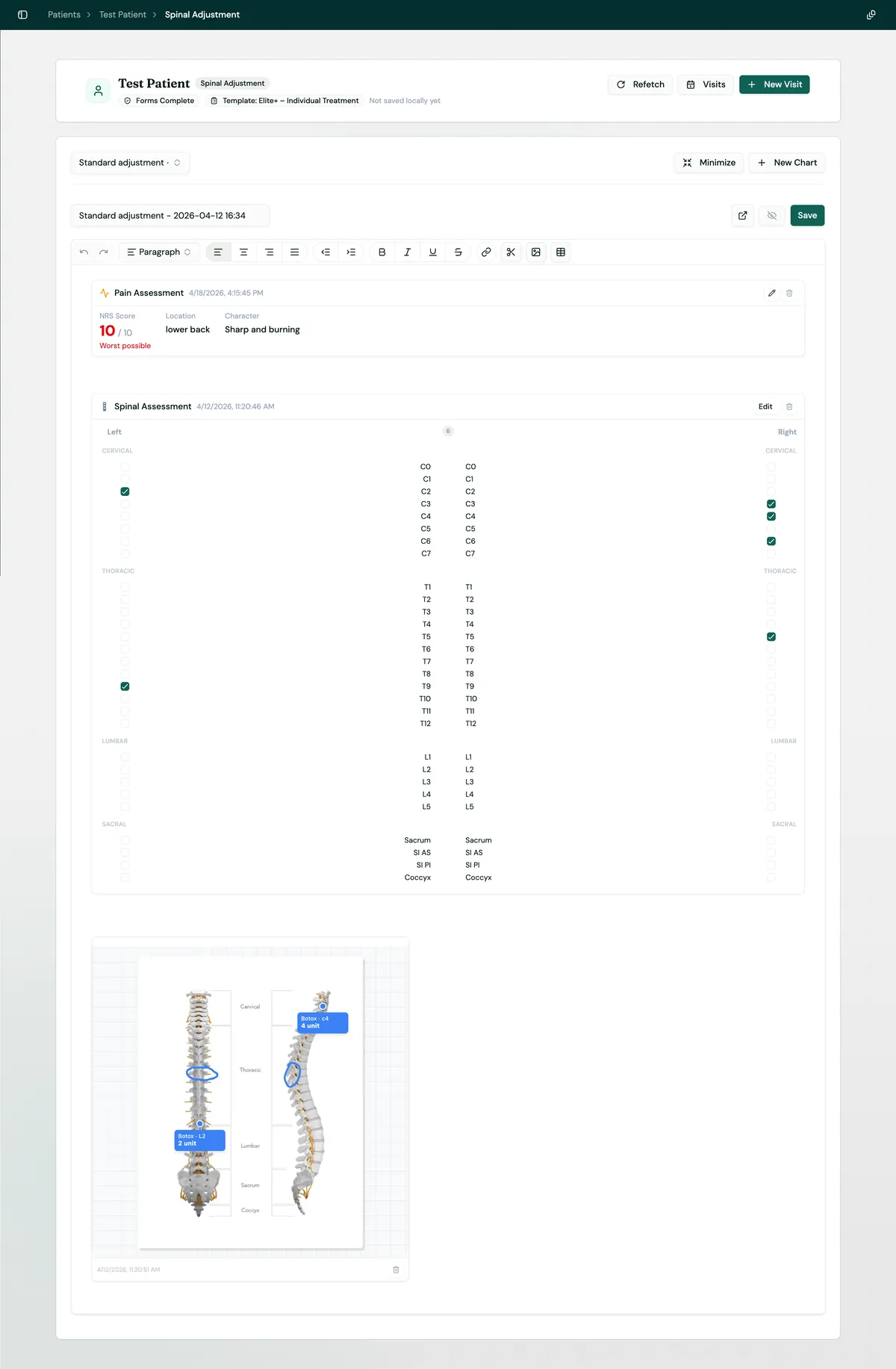
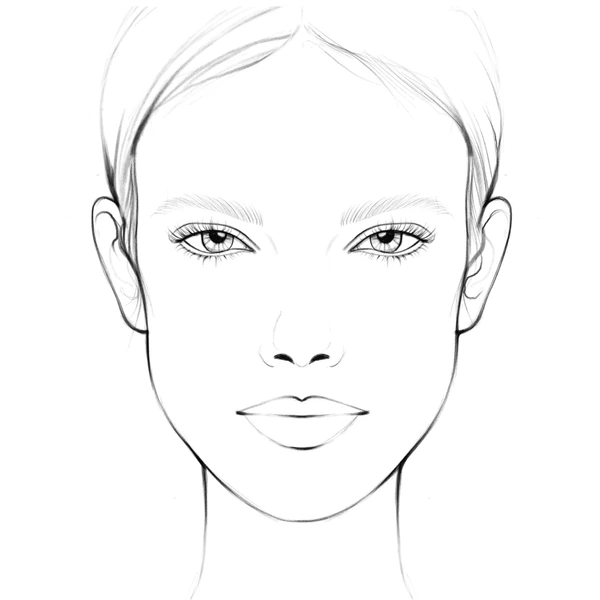
Put the detail where it happened.
Upload a face chart, body map, before-and-after photo, or any clinical image. Mark treatment zones, draw freehand, add typed labels, and attach the stock used, all inside the patient record.
- Draw, label, and place treatment markers
- Record product, lot, quantity, and treatment area
- Keep images linked to the visit that created them
- Share a read-only chart with an expiring link
4 units
Outcome trend
Pain score over time
Show progress. Don’t just describe it.
Measurements captured in a chart (pain scores, range of motion, weight, dosage, and more) become patient trends automatically. Review the trajectory across visits without combing through old notes.
Share the right chart, without sharing the whole record.
Send a finalized chart to a patient, referring practitioner, or insurer through a read-only link. You control exactly what leaves the clinic, how long the link works, and when access ends.
- Share one chart instead of the patient’s full history
- Set an expiry date and revoke access at any time
- Keep recipients in a protected, read-only view
- Make selected summaries visible in the patient portal
Share patient chart
Initial assessment · Apr 18, 2026
Secure link
7 days
Change or revoke anytime
Read only
No account required
Insert Smart Block
Structured inputs & references
Pain assessment
NRS 0–10 · severity flags
Vitals
BP · HR · SpO₂ ranges
Range of motion
Measured vs normal
Clinical reference
Scales inside the chart
Clinical structure, right inside the note.
Insert interactive clinical inputs wherever they belong in the chart. Smart Blocks capture consistent data and keep the relevant reference ranges, scales, and anatomical context close at hand.
Less time formatting notes. More time with patients.
Structured templates
Build chart templates around the visits you actually perform, then reuse them across your team.
Photo & file annotation
Draw, label treatment zones, and record product quantities directly on clinical images.
Outcome graphs
Turn repeated measurements into clear trends across visits without maintaining a spreadsheet.
Templates from your PDFs
Bring the documentation format your clinic already uses instead of rebuilding it from scratch.
Instant search
Find details across a patient's history by treatment, date, product, or keyword.
Archive without deleting
Keep old charts out of the way while preserving the complete clinical record and retention history.
Smart Blocks
Insert scored assessments, vitals, treatment settings, anatomical maps, and clinical reference ranges directly into a note.
Secure chart sharing
Share one finalized chart through a read-only link with a configurable expiry date and instant revocation.
Rich text & markdown
Use headings, lists, checklists, tables, links, and familiar Markdown shortcuts in a full clinical editor.
Autosave & draft recovery
Local draft recovery protects work in progress, while explicit server saves make the record available across devices.
Visit-linked history
Associate every chart with the visit that produced it so forms, stock usage, images, and notes stay in context.
Patient visibility controls
Choose which care summaries patients can see in their portal while keeping internal clinical notes private.
A clearer chart from the first visit onward.
Build consistent records, keep images and inventory connected, and make every patient history easier to understand.